
New product
RuDesk Cleaner — a cleaner system
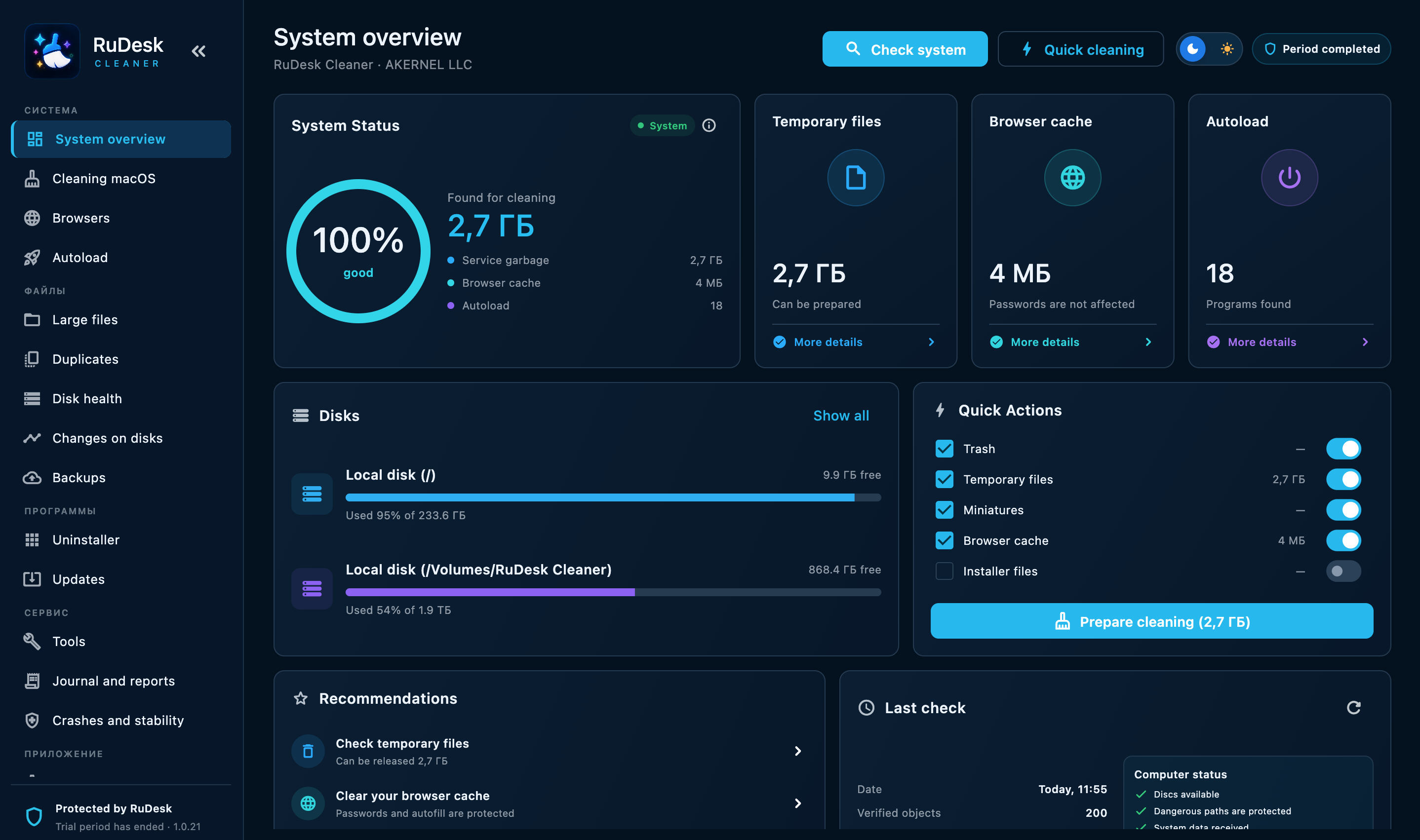
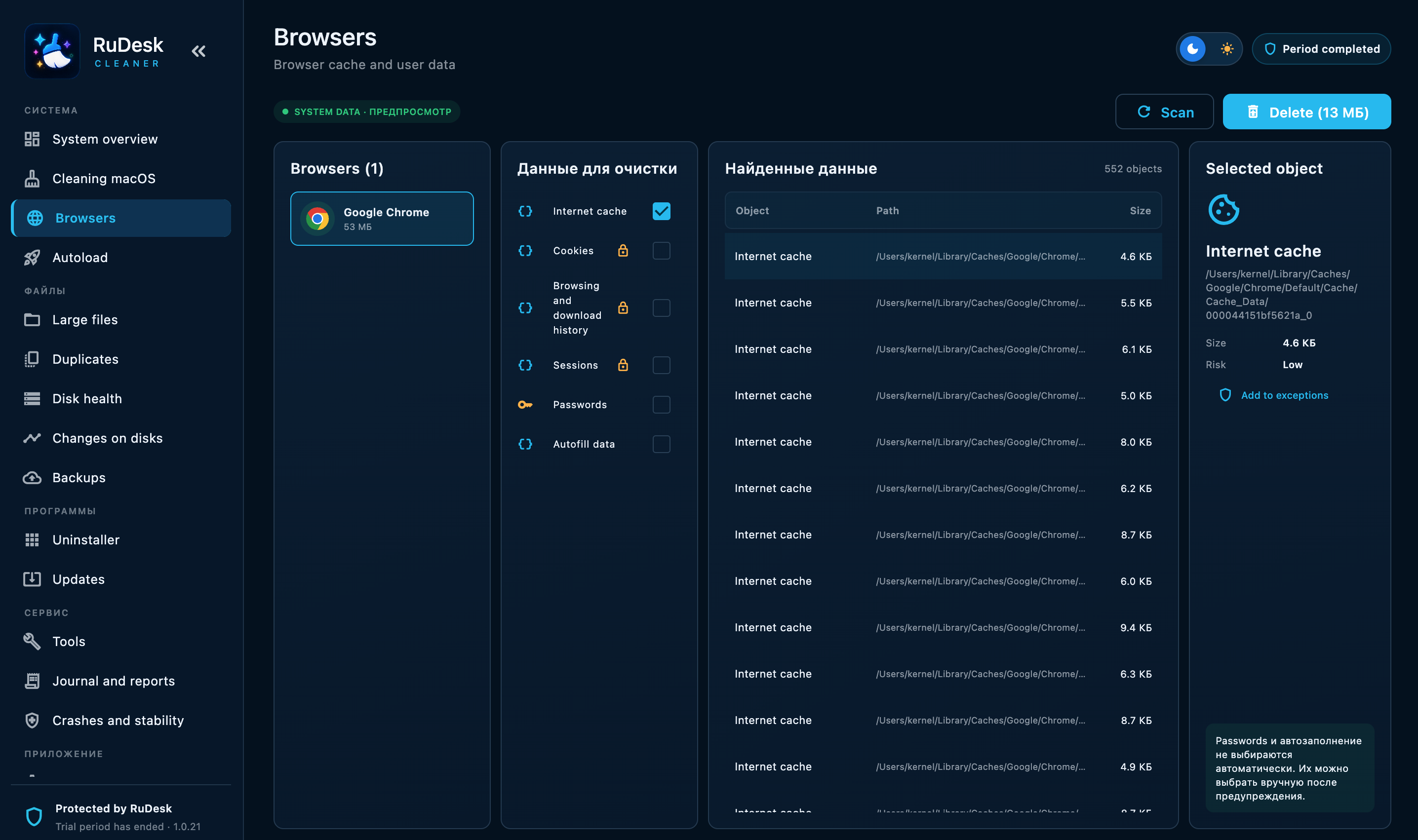
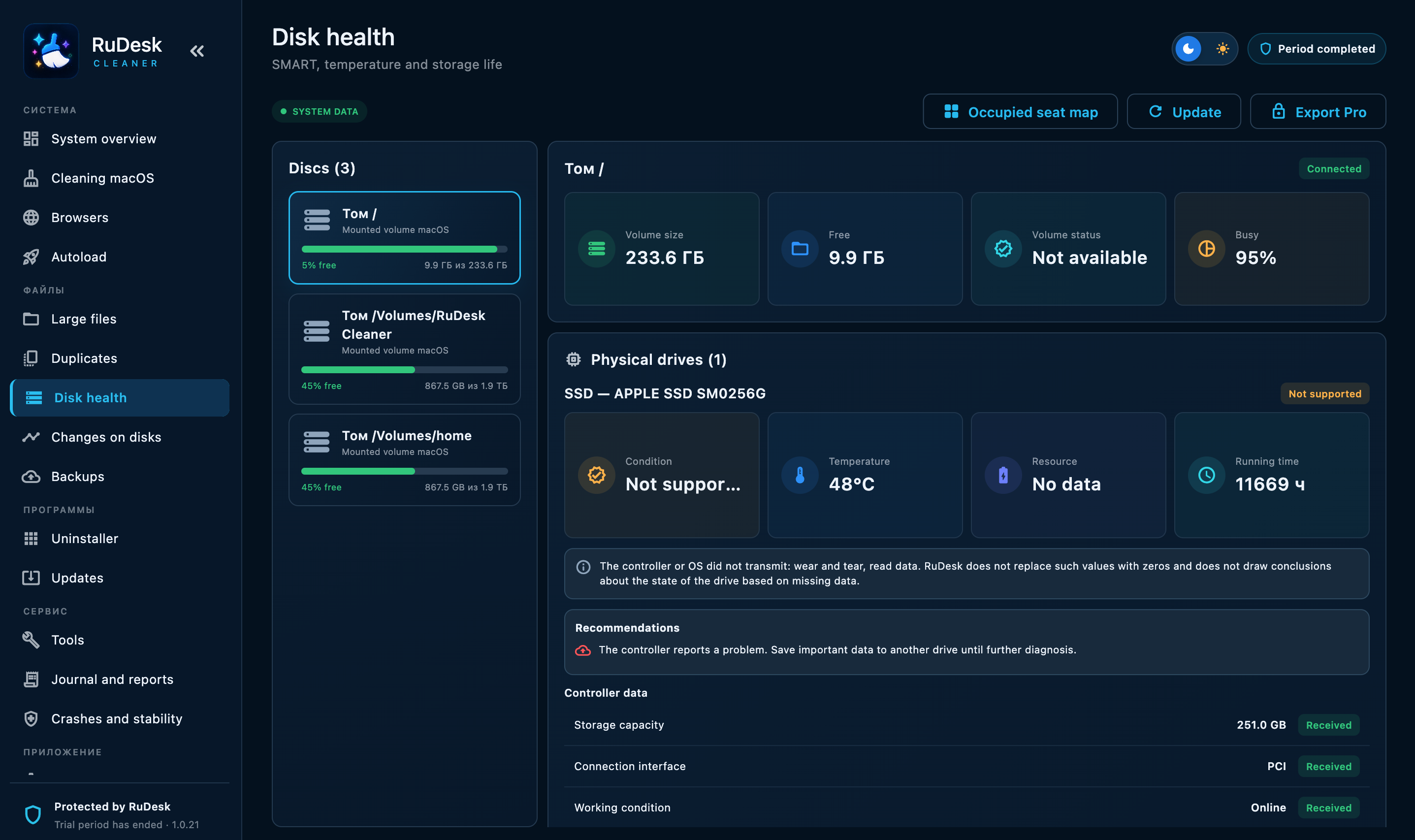
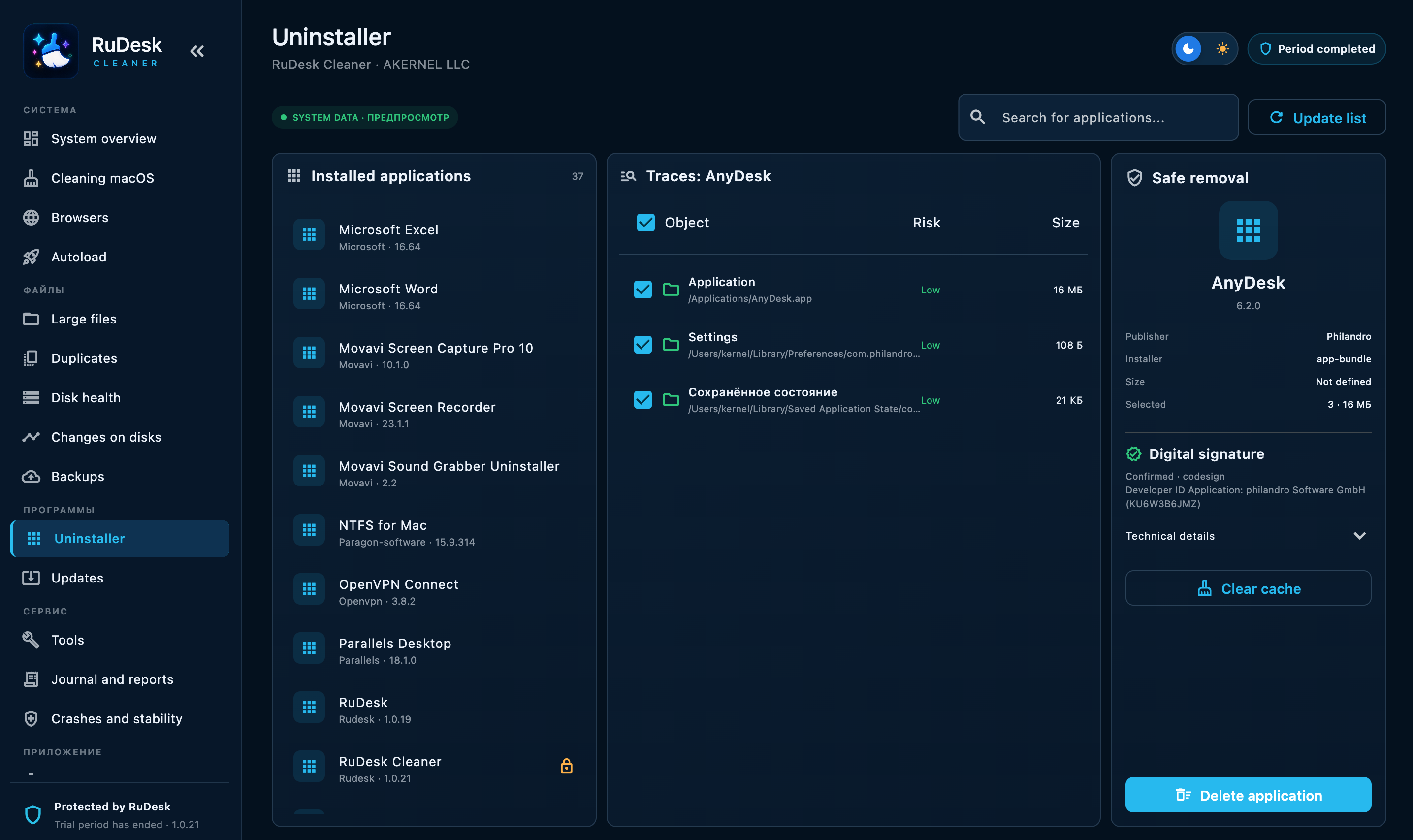
Cleans temporary files, monitors disk health, helps free up space and maintain your computer’s performance.
Connect to your devices and help others. Free for home and business, through RuDesk servers in Russia.
Cleans temporary files, monitors disk health, helps free up space and maintain your computer’s performance.
Your contribution helps remove unsigned publisher warnings and makes RuDesk installation clearer and safer. Payment details appear only after you choose a support method.
Choose a convenient method. The QR code and payment details appear only for the selected option.
The estimated cost is ≈$972. The goal is rounded to ≈$994 to cover currency conversion and fees.
Always check the selected network before sending.
Downloads are available for Windows, macOS, Linux and Android. iOS is in development.
This is normal for a new build. The installer is downloaded from rudesk.pro over a secure connection, but the Windows publisher signature is still being issued. Once the certificate is available, the warning will be less prominent and the publisher name will display correctly.
No technical knowledge required. Ready to use in minutes.
Choose the download for your OS. The installer sets everything up automatically.
After launch, the app provides a unique ID. Share it with the person who will connect.
Enter the ID and you are at the remote desktop. Control, files and chat.
From screen control to enterprise administration.
Full control, multiple monitors and up to 4K. Works like a local PC.
Use the built-in manager or drag and drop. No file-size limits.
Built-in chat during a session. No need to switch between apps.
Flexible permissions: view-only, no clipboard or no files. You stay in control.
Connection and activity history in your account.
Terminal, services and registry access without being at the machine.
From helping a relative to managing enterprise infrastructure.
SECURITY
Choose who can connect and which actions are allowed during the session.
The address book, user accounts and activity history help organise your devices.
RuDesk servers are located in Russia. Data processing is described in our privacy policy.
RuDesk is not currently listed in the Russian software register and is not FSTEC-certified.
Access depends on the mode you choose: confirmation on the device, a temporary password or configured unattended access. Grant access only to people you trust.
RuDesk’s server infrastructure is located in Russia. Our privacy policy describes the processing of personal data and the services used by the website.
RuDesk uses NAT traversal and relay servers for internet connections. Outgoing connections must be allowed by your corporate network policy; coordinate the setup with your administrator if the network is tightly restricted.
There is no catch. The app and connections through our servers are free, with no time, device or commercial-use limits. Only hands-on services are paid: installing and supporting a RuDesk server within your network, if needed. Voluntary donations support development.
Yes. We can install, configure and maintain a server in your own network. The cost is discussed individually and depends on the scale. Contact hello@rudesk.pro.
RuDesk is an application for remote access to computers and devices. You are on the official project website, rudesk.pro, where you can find current app versions, feature information and the changelog.
Download RuDesk and connect to your first device in as little as three minutes. Donations are entirely optional.
